This article was originally published on Nature’s Rainbow in 2017.
After a recent recurring discussion on the photography of Esperite, I posted an image I created several years ago. Someone asked how I did it, and because I documented what I did in an email discussion with Mark Cole, I am able to provide an almost step by step recreation of the process. I hope it is instructive and that the software doesn’t change so quickly that it is already out of date. (I still use all the software involved, but there are newer versions.)
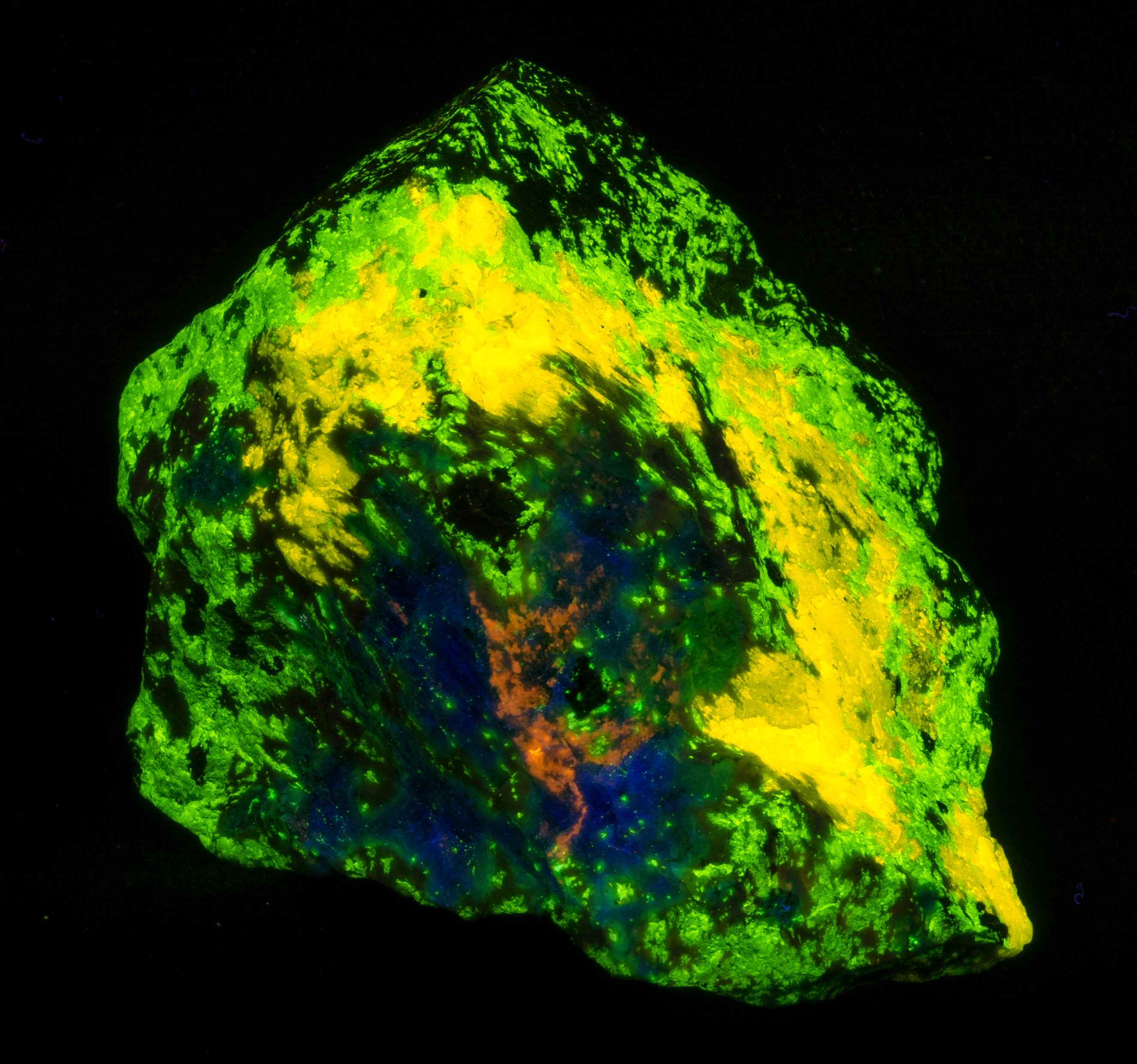
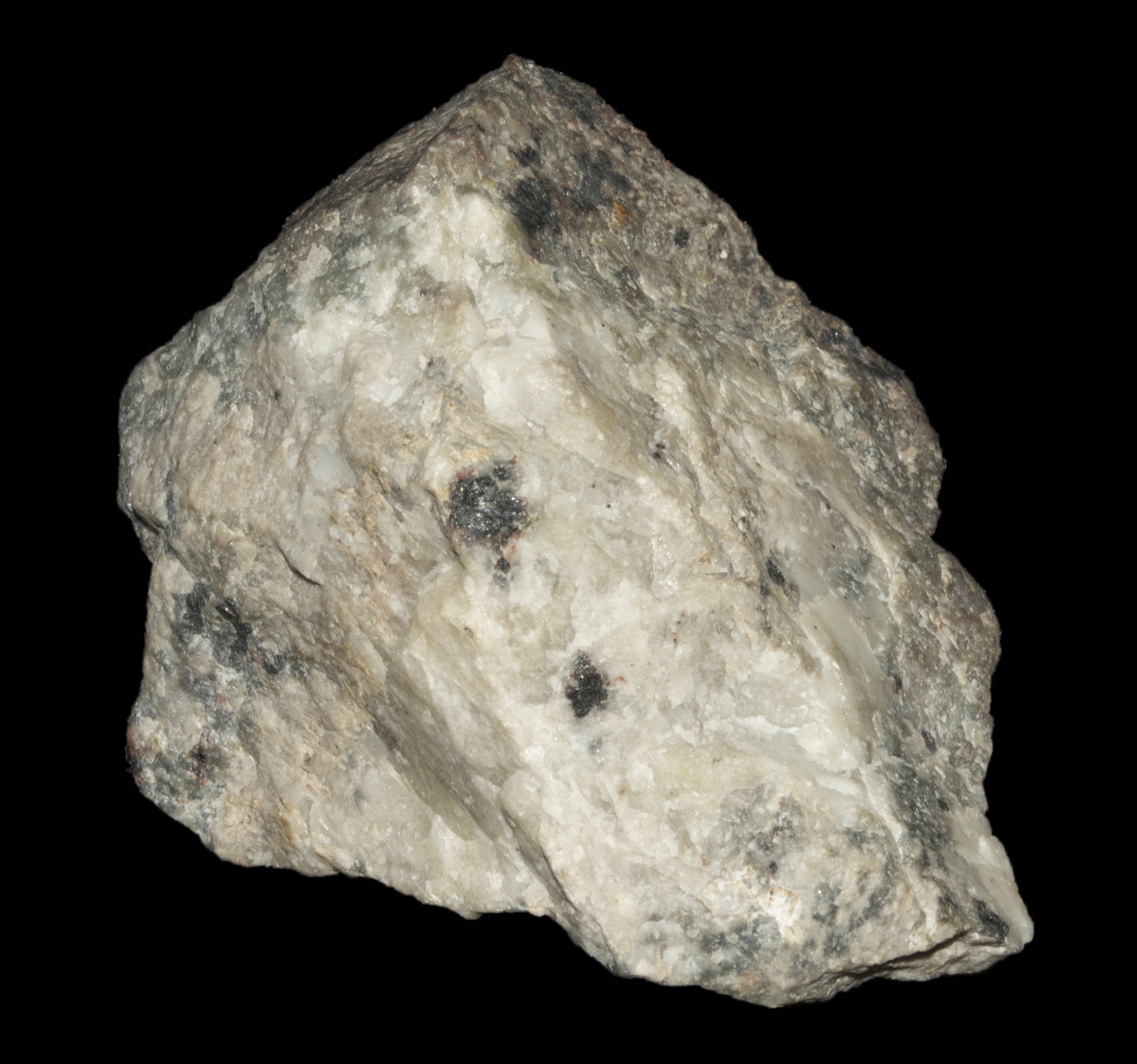
The first thing you need to do is buy a really great rock. This is easier said than done because these guys tend to be rather pricey! This one is a nice sized Esperite with Willemite, Clinohedrite, Hardystonite and Franklinite.
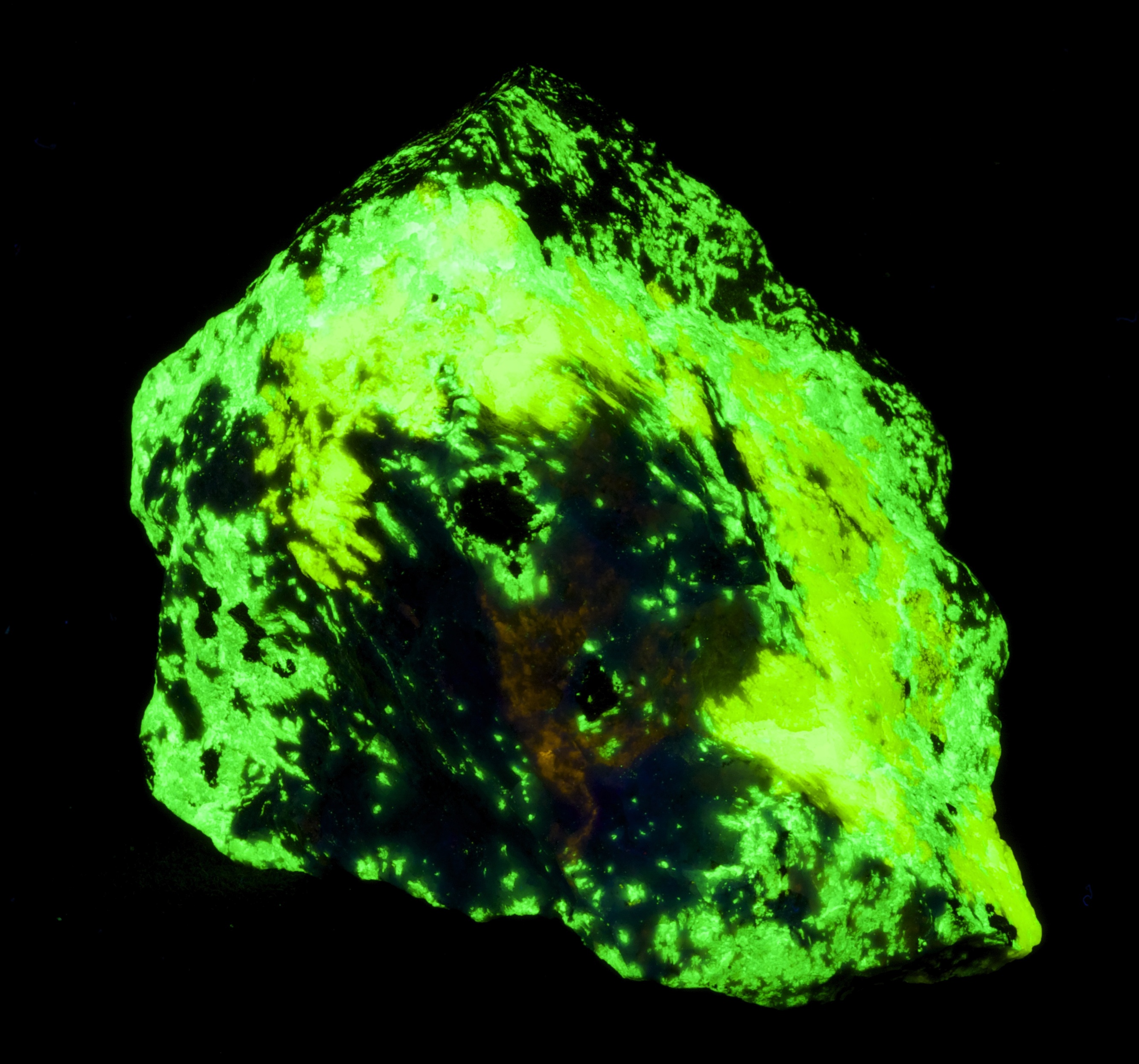
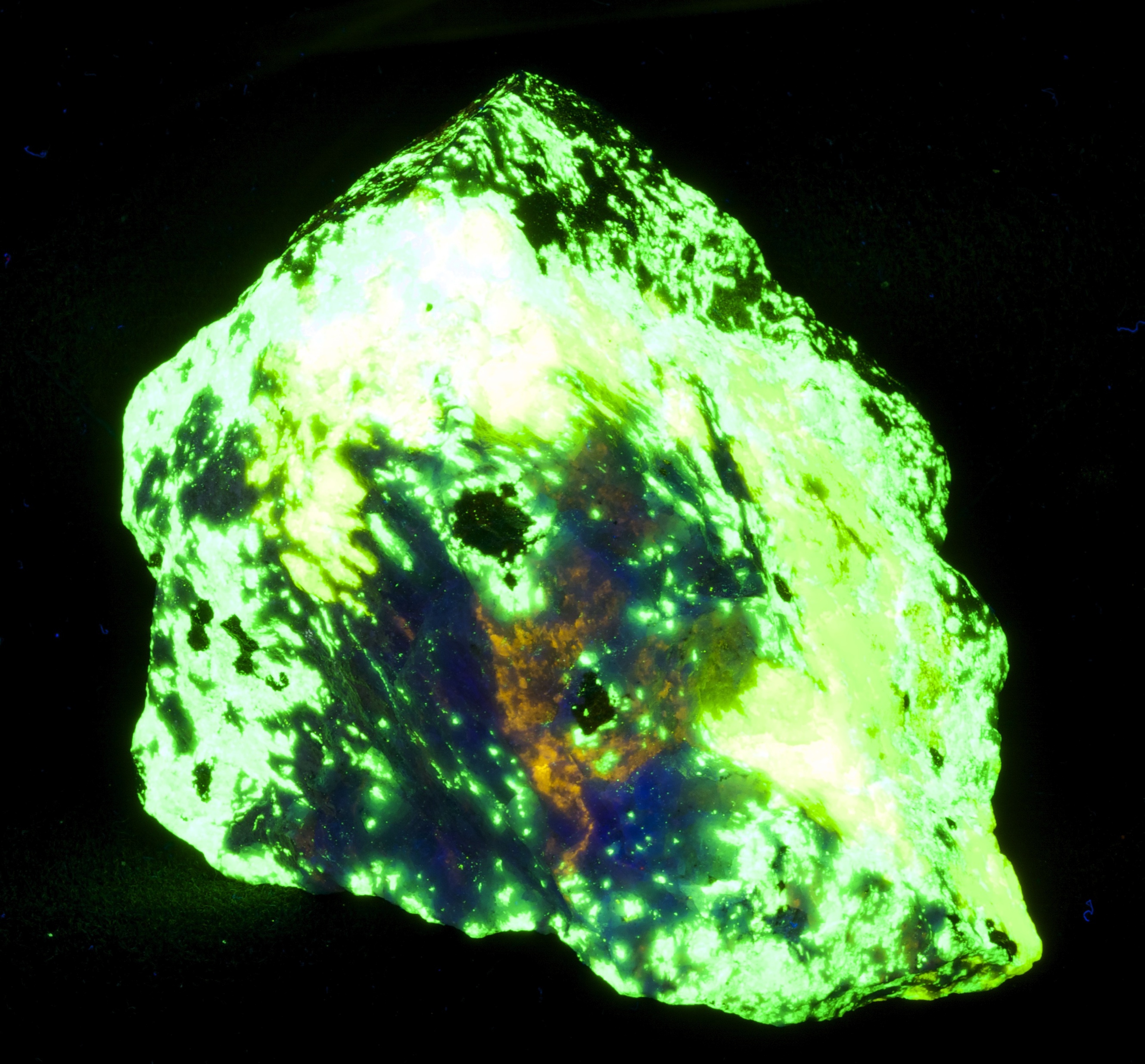
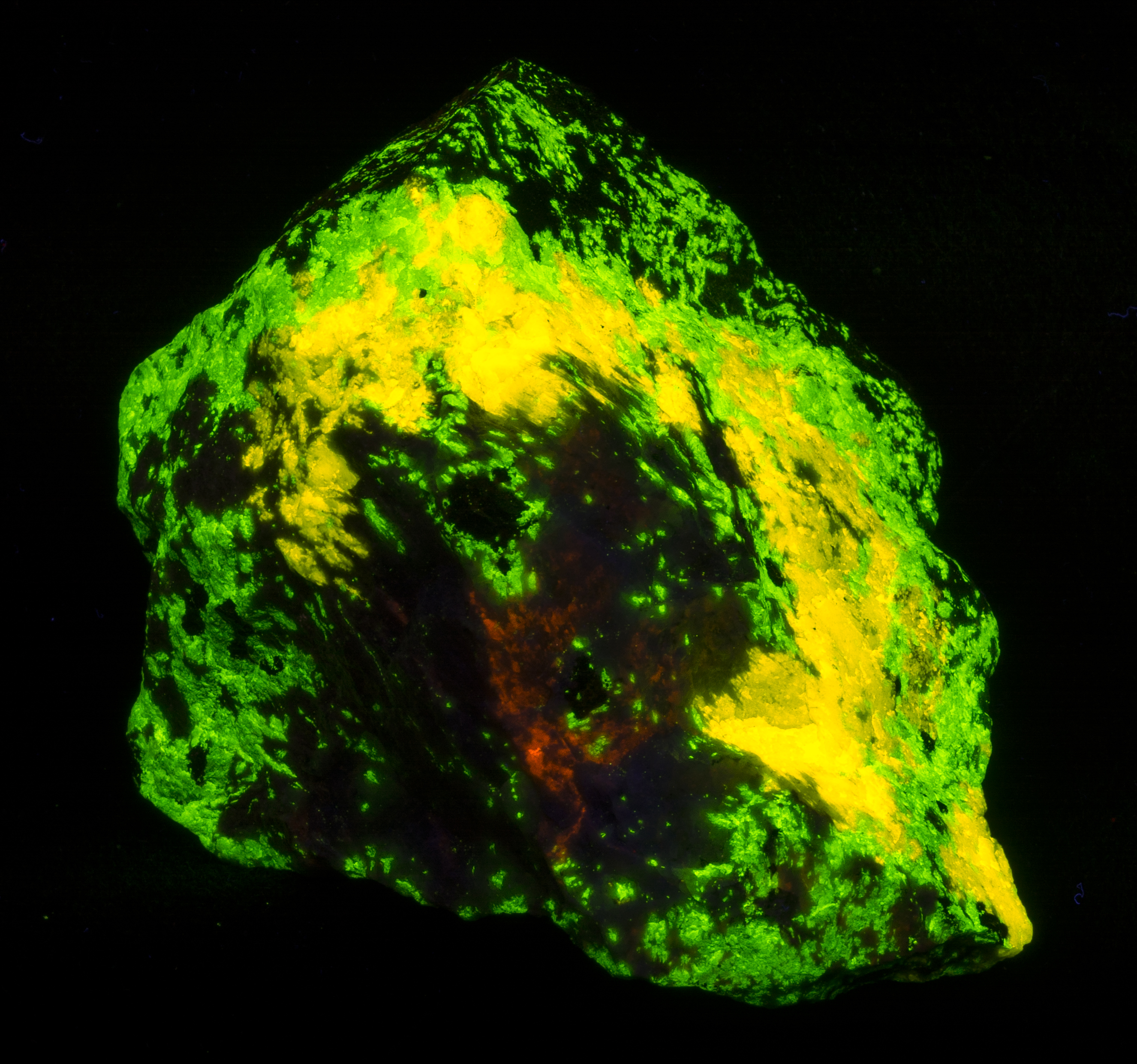
This proves that the two minerals were captured as different colors, but it basically interpreted them as both being green. The color temperature and tone manipulation separated the colors and made the image look a lot more like the actual specimen. (That said, the yellow is too yellow and probably ought to be slightly bluer.)
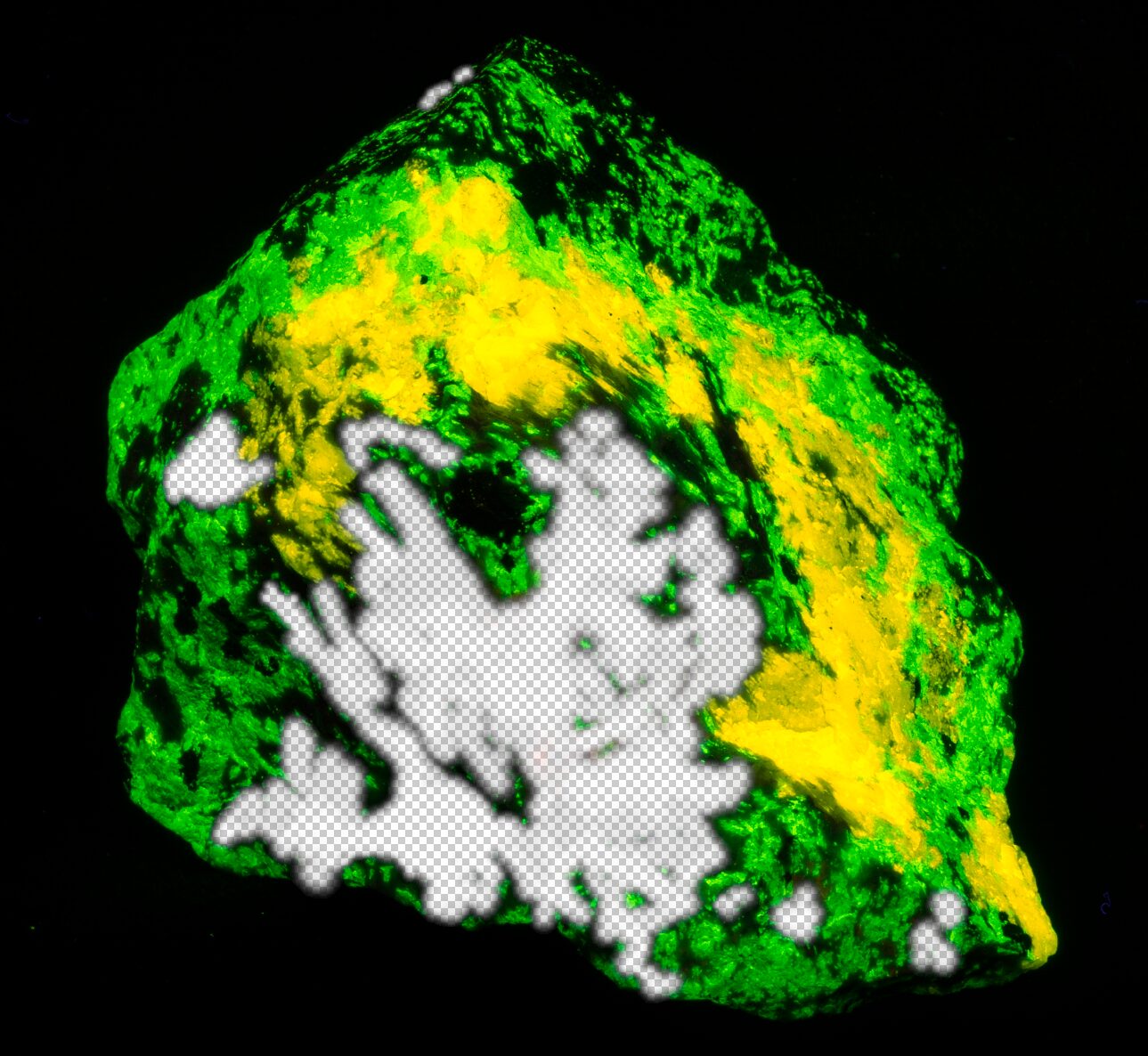
Each of these images becomes a layer in a single Photoshop image. To bring them together, I add a layer mask to the Esperite layer. The mask erases parts of the image, allowing information from the layer beneath it (the Hardy layer) to shine through. (Mark’s instruction mention erasing part of the upper image. A layer mask is a better technique because you can turn it on and off or delete it or change it. In other words you can fix it if you mess up. That isn’t so easy if you delete parts of the original image.) The masked image looks like this: